MCP rate limit: from DoS protection to per-tenant fairness
Per-IP isn't enough for an AI gateway. How to size your MCP rate limits for DoS, free-tier abuse, and per-tenant fairness, with worked examples.


TL;DR: Authentication and per-IP throttling are not enough to protect an MCP server. A useful MCP rate limit needs four pieces: identity-aware keys, per-tool granularity, multi-window counters, and configurable hard or soft enforcement. This post walks through what each piece does, what an attack looks like without them, and how AIronClaw assembles all four in front of any MCP.
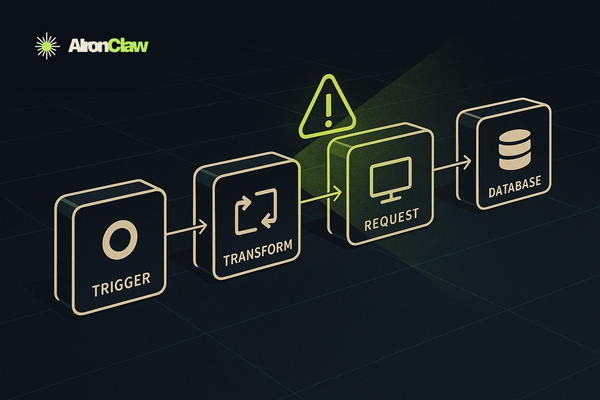
MCP servers today usually run on small infrastructure. A single VM. An n8n workflow. A side-project box that handles five requests per minute from one assistant. None of these were sized to absorb 5,000 requests per second from a runaway loop or a scanner that just found your tool listing.
Once your MCP endpoint is reachable from a public agent, an MCP rate limit stops being optional. Per-IP works against the dumbest threats. Everything else needs more dimensions. This post walks the four pieces that make up any good rate limit, then four worked examples on AIronClaw covering DoS protection, free-tier abuse, multi-tenant fairness, and per-tool tightening.
Why authentication doesn't save you
My MCP is behind authentication, that's enough.
It isn't. Authentication is about who. Rate limiting is about how much.
Even when your upstream returns 401, it still has to receive the bytes, parse the JSON-RPC envelope, validate the bearer or JWT, and write a response. Multiply that work by 10,000 requests per second from one bad client. The box is flat with auth working perfectly.
DoS doesn't care about authorization. Compute exhaustion happens before the auth check, not behind it.
Why per-IP rate limit isn't enough
Per source IP is the default in most gateways. It works against the laziest attackers and breaks under realistic conditions:
- A botnet rotates IPs. You get one request per IP. The counter never trips.
- Your enterprise customers sit behind NAT. Many users, one IP. Innocent tenants get throttled.
- A free-tier user hammers your most expensive tool. Same IP class as paying plans. You can't budget the two separately.
- A read-only
get_statusand a destructiveexport_logsget the same per-IP quota. Whatever threshold you pick, one of the two is wrong.
Raising the number doesn't fix this. More dimensions does.
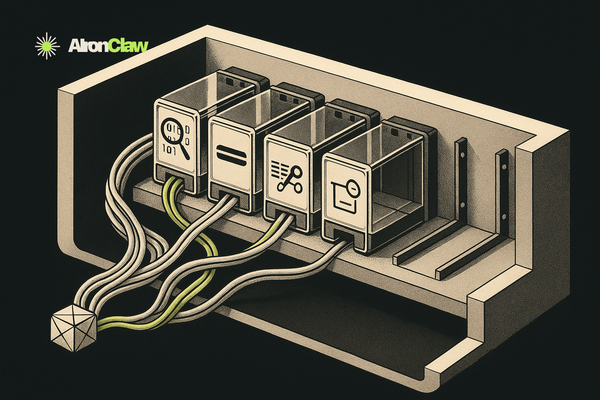
What are the four pieces of a useful MCP rate limit?
Every rate-limit rule has four parts. Get one wrong and the rule is theatre.
- Scope: which slice of traffic does this rule apply to. The whole proxy, one MCP tool, a request path.
- Counter dimension: what makes two requests share or not share a counter. Per-IP, per-API-key, per-tenant, per-(IP × tool). This is the field of view of the rule.
- Trigger condition: when the rule even applies for this request. Always, only for free-tier callers, only outside business hours, only when a header is present.
- Enforcement: what happens when the counter exceeds the threshold. Hard 429, soft warn (dry-run), escalating ban after N excess requests.
Standard rate-limit features cover #1 and #4 cleanly. Dimension is locked to a fixed enum (per-IP, per-user, per-key). Trigger condition isn't expressible at all. You write the rule you can express, not the rule you actually need.
How AIronClaw structures it
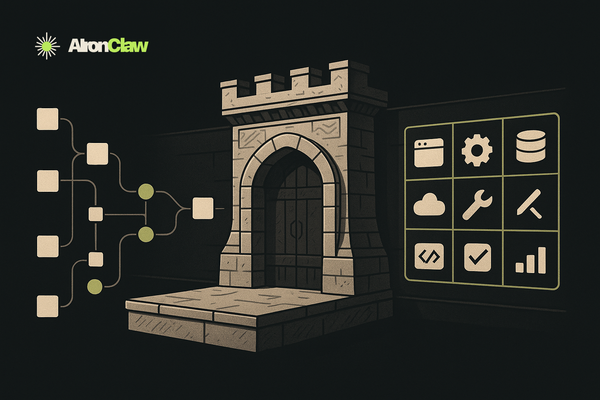
AIronClaw's rate limit comes in two flavours with the same engine underneath. The difference is how much control you get over dimension and trigger.
Simple mode picks a built-in dimension: IP, User-Agent, Consumer, or API key. Threshold, window, optional ban escalation. Covers DoS protection and basic per-key budgets. Most rules end here.
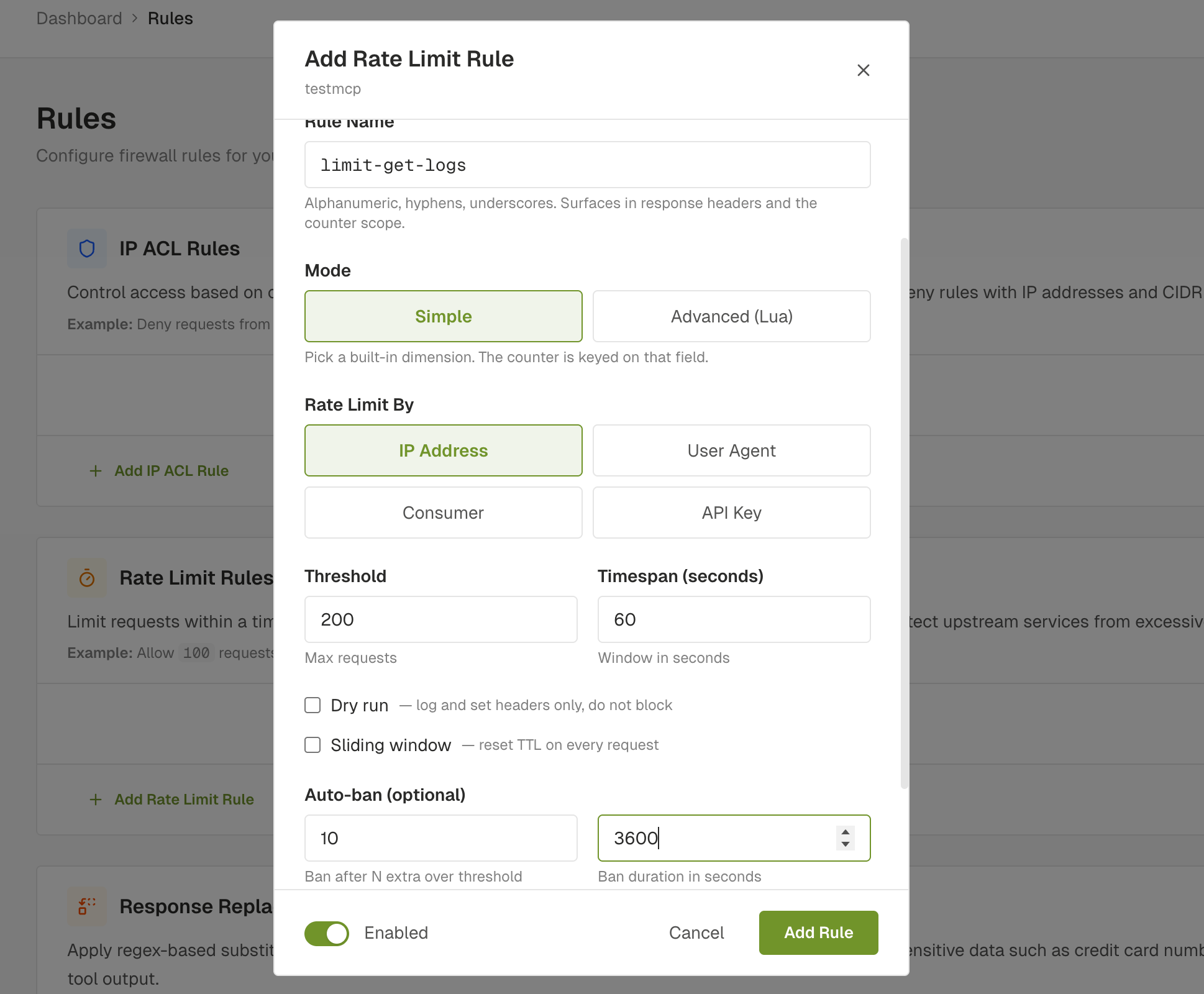
Advanced mode lets you write the counter dimension and the trigger condition as Lua snippets, evaluated in the same sandbox as Functions. The counter key is built server-side as aifw:ratelimit:<service_id>:<scope>:<rule_name>:<your return value>. Your snippet only owns the trailing segment. A Lua function inside the sandbox can never escape into another rule's bucket, another proxy, or anything that isn't its own counter.
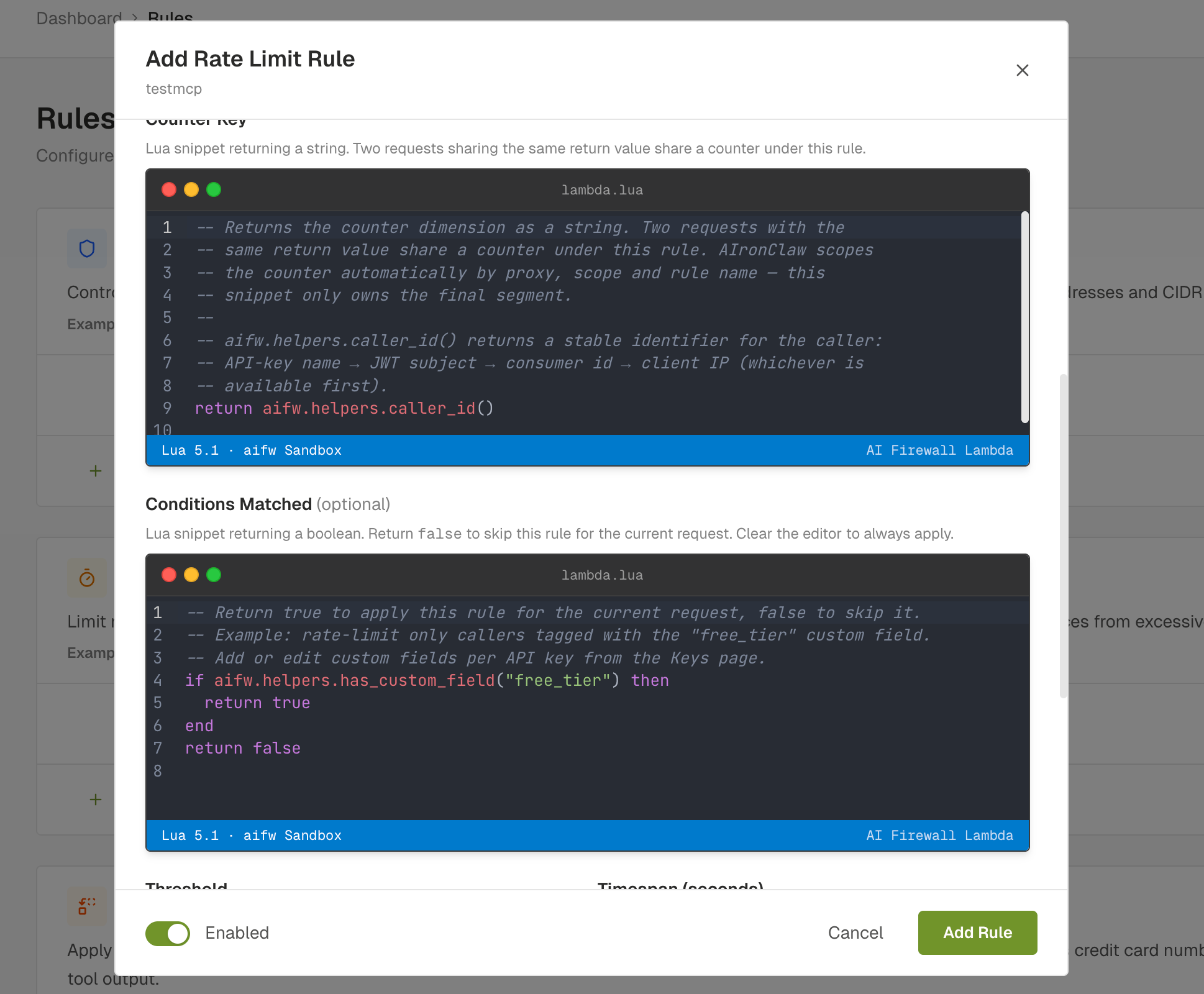
The sandbox exposes a curated aifw.* global with request method, headers, client IP, the caller's auth context, and the current MCP tool name. A few helpers (caller_id(), has_custom_field("X"), is_tool("Y")) read like plain English and turn most common patterns into one-liners.
The counter prefix is server-controlled. Snippets are validated when you save: unparseable Lua is rejected before it lands in config. The runtime path is the same one Simple-mode rules use. You can switch from Simple to Advanced or back without changing anything else.
What are the use cases for MCP rate limiting?
Four real shapes of rate limits. The first two are baseline protection. The last two only become natural with Advanced mode.
1. DoS protection: per-IP threshold with ban escalation
The baseline you should have on every public MCP regardless of audience. 200 requests per minute per IP, ban for 1 hour after 10 excess requests. Threshold high enough that a real client never hits it, low enough that a runaway loop or a botnet IP gets shut out fast.
One rule, four fields, two minutes of dashboard work in Simple mode. Set it on every proxy you publish before tuning anything fancier.
2. Free-tier abuse, paid-tier bypass
The classic "rate-limit the free plan, leave the enterprise alone" pattern. AIronClaw API keys carry Custom Fields that you set on the Keys page. Flat tags like free_tier, acme_ltd, early_access.
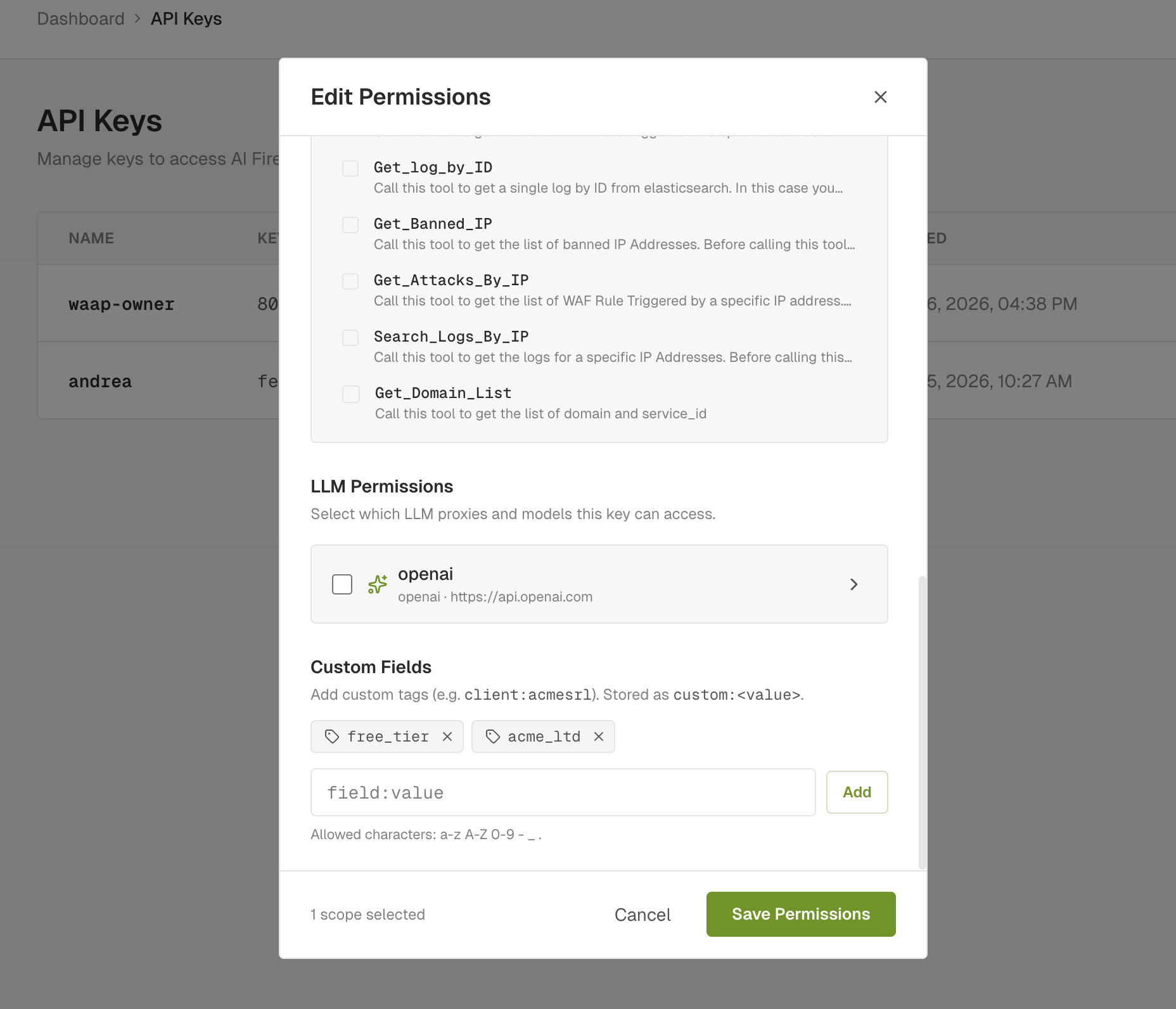
A rate limit gated on a custom field is a one-liner in Advanced mode:
-- Conditions Matched
if aifw.helpers.has_custom_field("free_tier") then
  return true
end
return false

-- Counter Key
return aifw.helpers.caller_id()
Set threshold to 5 requests per minute. Every paid-tier caller (no free_tier tag) bypasses the rule. Every free-tier caller gets their own counter via caller_id(), so two free users don't starve each other. Adding a new free-tier customer is one click on the Keys page. No rule edit.
3. Per-tenant fairness on a multi-tenant MCP
If your MCP serves multiple tenants from the same upstream, you want every tenant to get a fair share of the budget. One noisy tenant shouldn't be able to consume the whole quota.
Tag each tenant on their API key with a custom field (tenant_acme, tenant_globex, tenant_initech) and write the counter dimension as the tenant value:
-- Counter Key
local fields = aifw.helpers.custom_fields()
for _, f in ipairs(fields) do
  if f:sub(1, 7) == "tenant_" then
    return f
  end
end
return "tenant_anonymous"
Now every tenant has an independent counter under the same rule. Threshold and window stay shared, so the policy is uniform. Budget is per-tenant. One bad tenant exhausts only their own slot.
No new infrastructure required. The rule, engine, and dashboard didn't change. The dimension expression did.
4. Tighter limits on expensive operations
Not every tool deserves the same rate limit. A read-only get_status can take ten times the load of a heavy export_logs that does an upstream database scan and ships gigabytes of data.
Two rules on the same proxy:
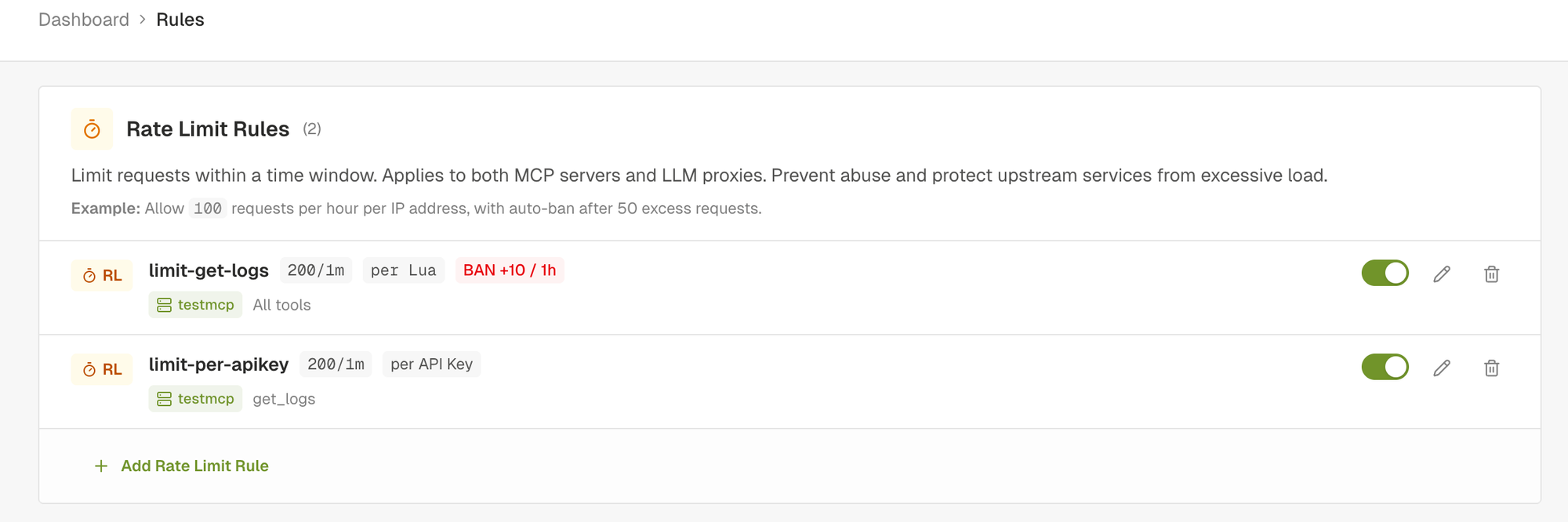
limit-get-logs: wide rule (All tools), per-IP, 200/minute. The default DoS shield.limit-per-apikey: scoped toget_logsonly, per-API-key, 200/minute. Tighter budget on the expensive operation, fairly distributed across paying clients.
Both rules fire on a get_logs call. Whichever counter runs out first wins. Reads on cheaper tools are bounded only by the wide rule.
This case doesn't need Advanced mode at all. The rule scope is the right primitive. Express it with one click in Simple mode, no code.
What it looks like under attack
A rate limit that fires on the gateway, not the upstream, is what you want. Your n8n workflow or small VM never sees the spike.
Here's a demo of Use Case 2 running live: free-tier API key, threshold 5 requests per minute on get_logs, gated on the free_tier custom field. The script hammers the endpoint with tools/call get_logs until the counter trips, then keeps going. Watch the status codes flip from green (200) to red (429) instantly, and stay red while the window is open.
The proxy and the threshold didn't change. Branching logic that used to need a fork now lives in one rule.
What's in the MCP rate-limit design checklist?
If you're starting from scratch, this is the rough order to put rules in front of an MCP:
- Always-on baseline: per-IP rate limit with ban escalation on every public proxy. Two-minute Simple-mode setup. Defends against the dumb threats.
- Per-API-key budget: when you have customers, scope a rule per-key so one bad caller can't drown the rest.
- Per-tenant fairness: when you serve multiple organisations from one MCP, dimension on the tenant tag.
- Tool-specific tightening: when one tool is meaningfully more expensive, scope a stricter rule to that tool only.
- Conditional gates: when you have plan tiers or per-customer SLA differences, gate rules with custom-field conditions instead of duplicating rules across proxies.
Lower entries lean more on Advanced mode. The first two are Simple-mode work. The last two are why Advanced exists.
How do you try AIronClaw MCP rate limiting?
The dashboard is at aironclaw.com. The full Advanced rate-limit reference, with the surface and worked examples, lives in the docs. Drop in your MCP, set the IP-based DoS shield in two minutes, then come back and add the dimensions that match your actual workload.
If your MCP wasn't sized for hostile traffic, and most aren't, this is the cheapest insurance you can put in front of it.